About NVIDIA Shield TV

Some years ago I had a situation with my television. It wasn’t a smart TV. I wanted to watch more content that I liked from it. I tried to make this possible in several ways. First I tried connecting my old Raspberry Pi, the first model, to it. I found out that it wasn’t powerful enough.

What I tried next was to install a Linux distro to a computer and then hook it up to the television. So I got my hands on an old computer that was not used anymore actively. I installed many distros. I was most successful with first Lakka OS and then I also tried LibreELEC. I wasn’t satisfied.

I started thinking if there would be some other solution. My thoughts were first centering around Google Chromecast. It was cheap. Then I found this perfect solution. It would cost a bit but it would cost even more to get a smart TV. This solution was Nvidia Shield TV.

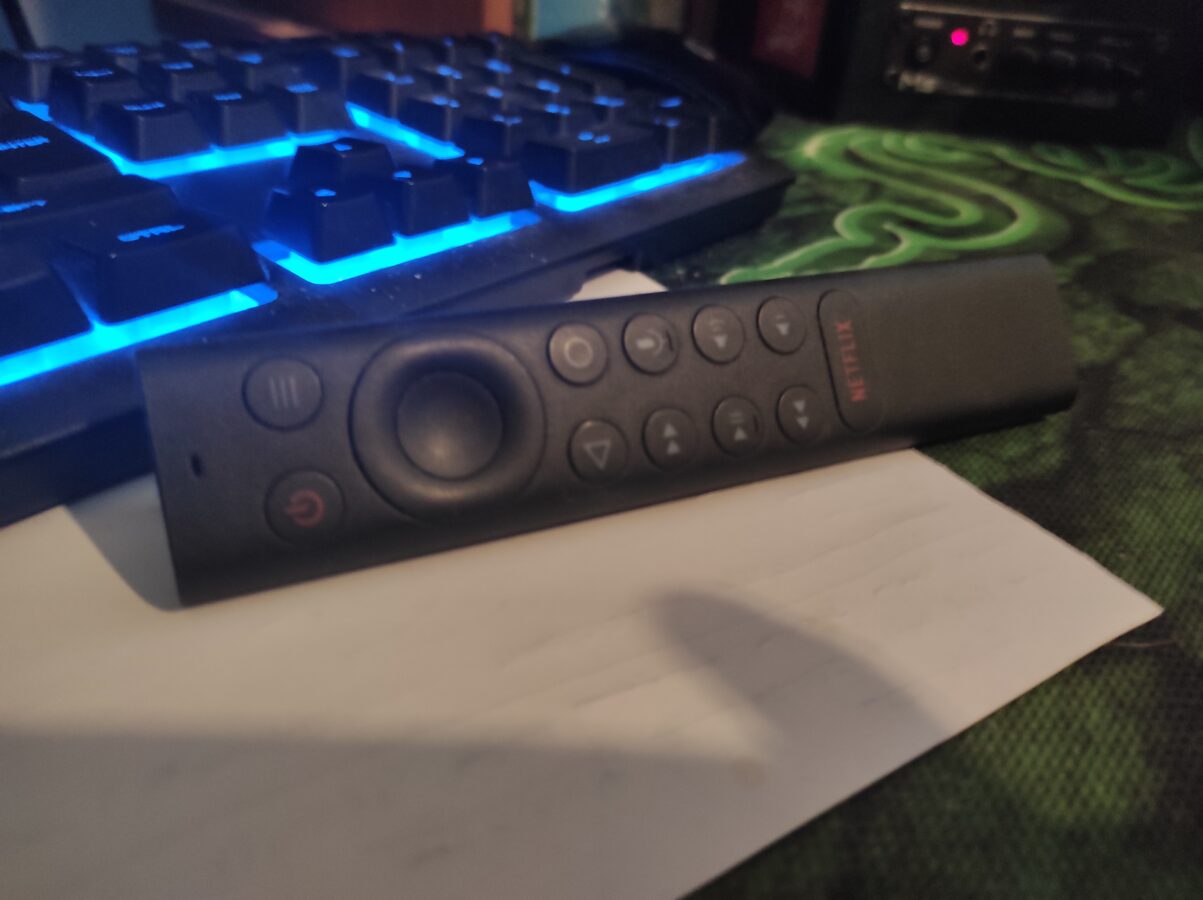
I have now written already three paragraphs in this blog post and we haven’t really touched the main subject yet. The subject of course is the device that allows you to run any Android app and in that way allow you to play games, new and also retro, and see any television programs that you like. The image related to this post displays the remote controller of Nvidia Shield TV.

There are two models of this device available. One has a price tag of about 150 euros and the other, Nvidia Shield TV Pro, has a price of about 230 euros. I have the cheaper one of these two. I also bought a 128 GB memory card with the device. IT connects to your network only with a cable. So that is a small minus. Otherwise I have been happy to use my Shield TV.

It connects to your television with a regular HDMI cable. So, as I said, you can install any Android app. You can hook up your favorite game controller through Bluetooth. I used Dual Shock 4, which is PS4s controller, and I also made sure that my controller had power for it. In this case Dual Shock 4 takes its power from a smart phones charging cable. It uses micro-USB.

There is an app for retro gaming and it is Retroarch. You have to copy your rom files through your local network which is very easy actually. I wasn’t able to play any PS2 games but I found that I could run any PS1 and Dreamcast games. So it is more powerful than your Raspberry Pi would be. And I think there isn’t any decently working Android emulator to be found at the moment (please correct me if I’m wrong).

I can recommend NVIDIA Shield TV to someone that needs a bit more power than the newest Raspberry Pi provides and wants to watch TV programs provided by any Android app. There are also features that let you mirror the games from some other device like a PC.
New 2 TB SSD for PC

I have a small SSD, it has 256 GB of space and I also currently have a HDD with 500 GB of space. While the space that modern games take is all the time increasing I decided to get some more space. I think also I should have thought about this issue before I bought my PC. I bought it a year ago. If you are thinking about buying a new PC I can say that you propably need a large SSD to store all your games.

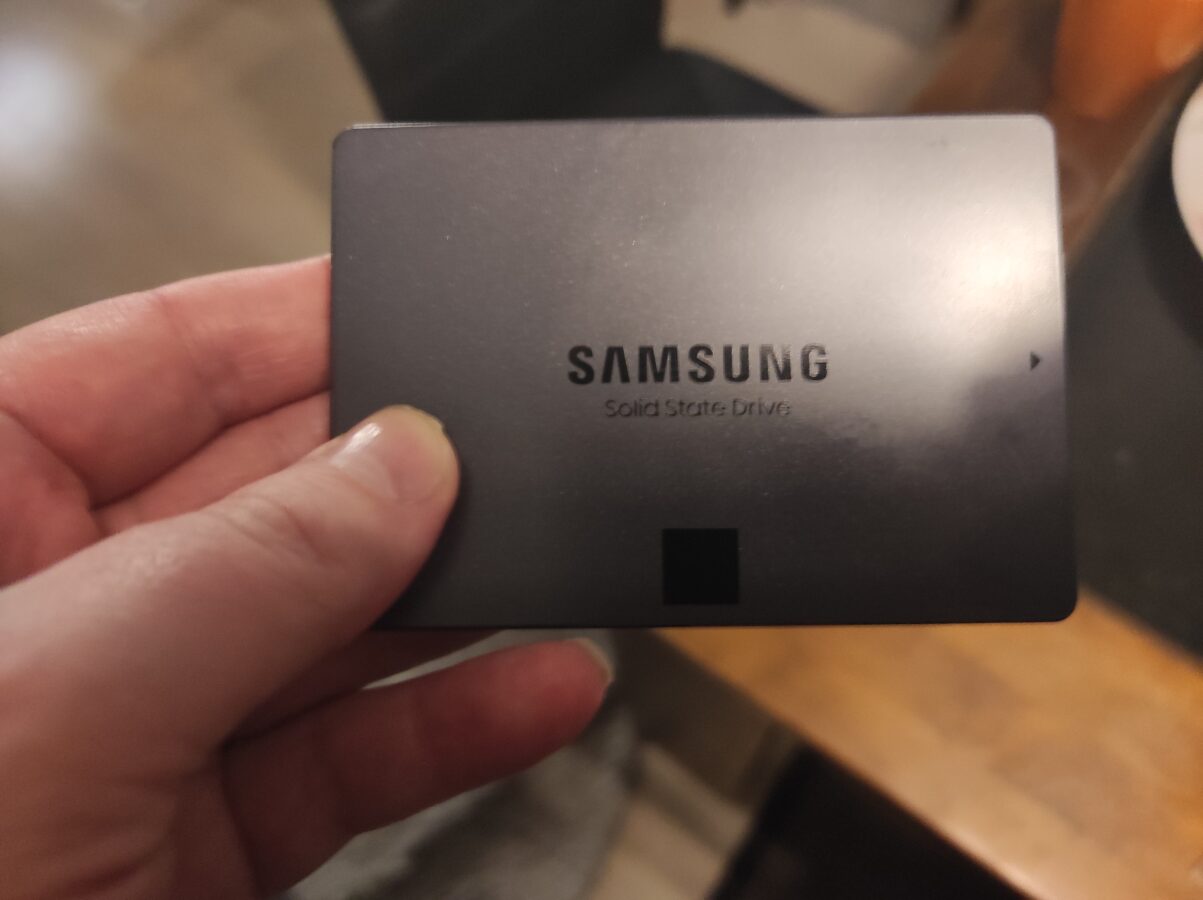
I finally decided to upgrade my PC with a new SSD that has 2TB of space. IT wasn’t cheap. IT cost almost 200 euros. But I wanted to make this investment so that I could play also the latest PC games. I have a good PC to play these games with so why not make the upgrade.

One of my favorite games on PC is Dirt Rally 2.0. It takes almost 130 GB of space. So one game can take almost 200 GB of space. IT makes me think about if 2 TB is also enough. Would you need even a bigger SSD? That’s when you start to think about your gaming budget. This 2 TB SSD cost about 200 euro. There were larger SSDs of this same model but the price would be 380 euros for 4 TB and 780 for 8 TB. If I would like to build a computer of my dreams I maybe would put some more money into this but for now 2 TB must be where I draw the line.

It would be nice to purchase the latest hardware but it would be finally a huge investment of money. If you think about how much would CPU and GPU cost and what other parts would you need the cost would be enormous. And it would cost way more than you would spend for a new gaming console like PS5 or Xbox Series S/X.

I bought my PC a year ago for just under 800 euros. I had to make some compromises. I couldn’t buy such a PC that would be perfrect but this purchase I was actually very comfortable with. I use PC for many other things also than for gaming. I use it to program and make music also and those activities don’t require so much from the hardware.

I am about to replace my 500 GB HDD with this new 2TB SSD very soon. I hope everything goes nicely and I get to install some games. Thanks again for reading. It is also nice that there is a sale on Steam that begins tomorrow so maybe I also pick up some new PC games.

You Don’t Want to Use a Generic Controller

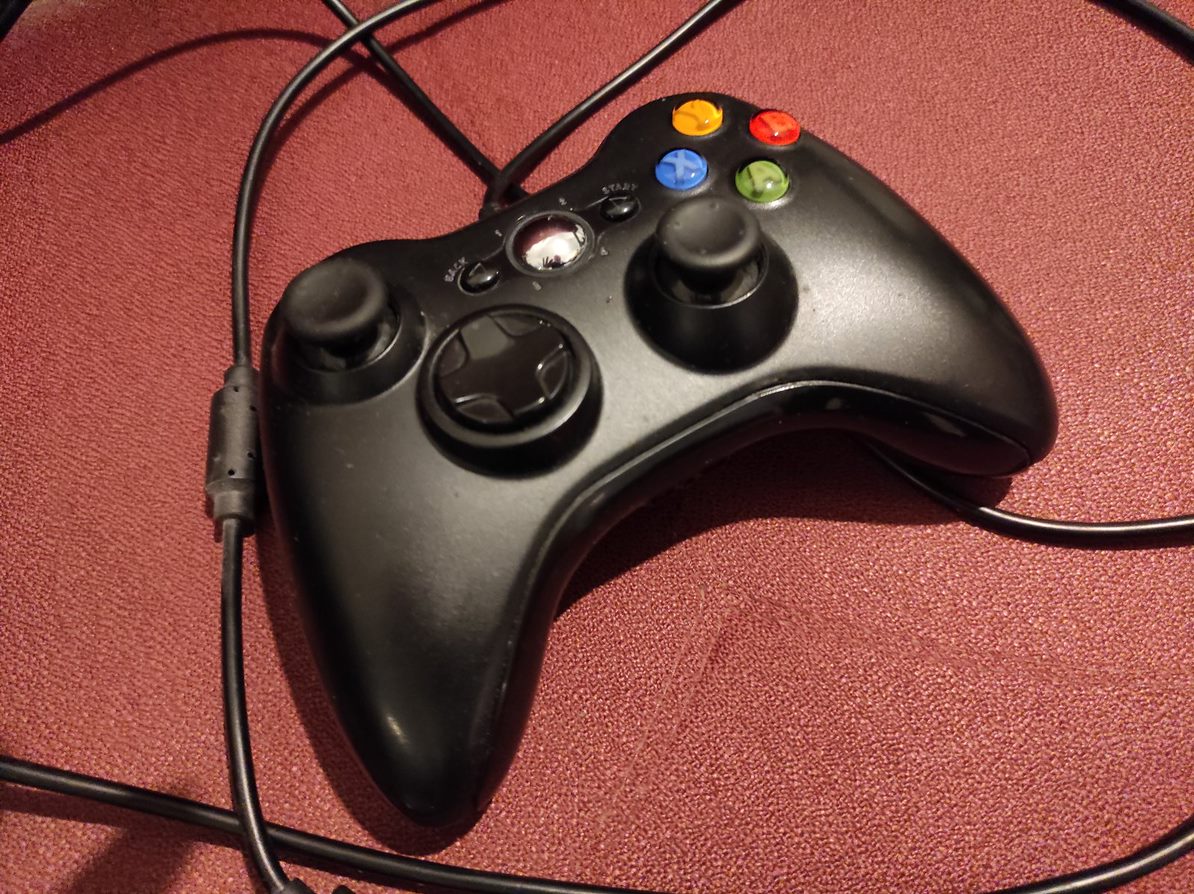
So I encountered a slight issue with my generic controller for Xbox 360. I first bought this gaming console from a friend of mine. It was a good deal. I got the regular game pad with it. As I got to know the system a bit more I discovered that it would require a battery or a cable so that I wouldn’t have to change the alkaline batteries all the time. I am not a big fan, as I wrote earlier to this blog, of AA batteries.

My solution to this slight issue was to buy a generic controller. It was cheap. It was like twenty euros or so. It played nicely for some time. It wasn’t that awful when playing driving games like Project Gotham Racing 4 or Forza Motorsport. As I was thinking about to play a FPS called Crysis 2 I encountered and totally understood the problem I had. This generic game pad wouldn’t be a solution for me as I would need a better, a sharper, controller for my Xbox 360.

It was a pain to try to aim and move efficiently while playing Crysis 2. Where I think the controller performed the most poorly was at moving the sight. The left thumb stick of this controller just isn’t accurate and sharp enough. I was very lucky although. When I first bought the console it came with a controller. This game pad was the original that was delivered with the system in the first place when the console was bought as a new. I just had to buy a USB cable for the controller or else I would have to buy some AA batteries for it and keep changing them every time they would get consumed.

I bought a cable. I actually bought one nice game also so I wouldn’t make just an order of only twenty euros. I was happy. I had finally the cable that I needed. Then I figured that the cable was actually a charging cable. Well alright then. Its length was only about two meters. That’s not a good cable for powering a game pad. So what I actually had to do was to buy an extender cable. So it got a bit messy but I finally managed to plug the controller to my Xbox 360.

I think playing FPS games with a cheap, generic, controller on Xbox 360 or maybe even on your PC is something that a real gaming enthusiast wouldn’t do. Some people like to play these shooting games with a mouse and a keyboard. And you have to say it has its advantages. I like to casually play first person shooters with a controller but when I do I prefer a good quality controller that doesn’t require me to change the batteries all the time and maybe even consume the natural resources with these kinds of actions. So save your money and buy these controllers as wisely as you can. That is all for now my dear readers. Til the next time!