The Biggest Differences Between PS2 and PS3

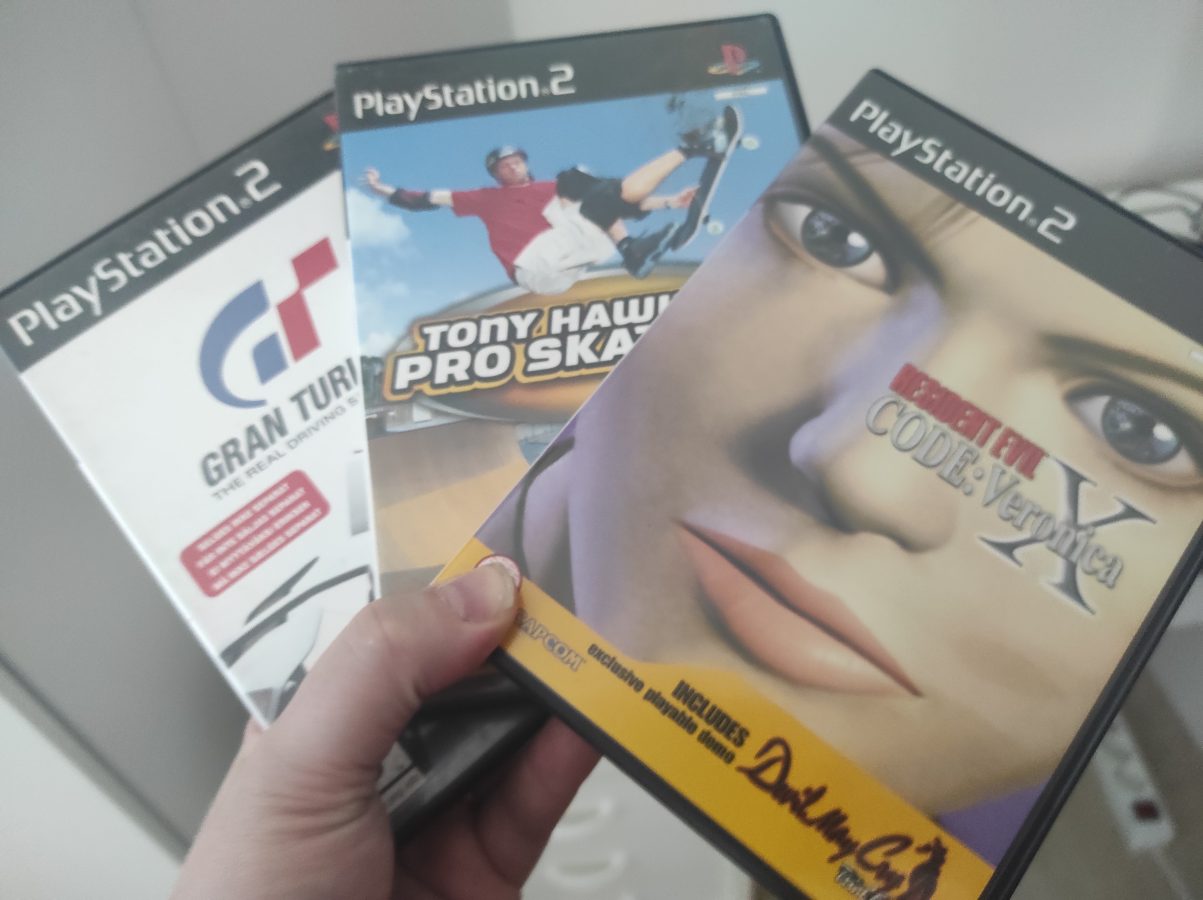
I’ve played, maybe the last month or so, mainly PS3 and PS2 games. PS2 was released in 2000 and PS3 was in stores 2007 (in Europe). Between these seven years we saw a very strong development and advancement in technical aspects when it comes to video game consoles and the technology they use. Not only did these newer games look better. They also felt better. So also the way that games were made, how the menus felt like and looked like and how controls felt like advanced. I am going to now dive deeply into these differences between these two very popular video game consoles.

PS2 sold more than PS3. There were 153 million units sold of PS2 while PS3 sold 80 million units. I had to look up these numbers and they are only directional. While looking at only the sales numbers you cannot truly determine which one of these two consoles is better. And I think I am not going to go into this debate of which one would be better. We are going to just find out how things developed and how these two individual consoles differ from each other.

First of all we have to consider how PS3s technology is more advanced than PS2s. PS3 had a hard drive. My hard drive can hold 320 GB. There were different models and they differed from each other a bit. One PS3 model was also backwards compatible with PS2 games. All PS3 models had backwards compatibility to PS1 games. PS2 didn’t have a hard drive and you had to have a memory card for saved games. This memory card had 8 MB of space. We have also seen memory cards as big as 128 MB also. I just have had some bad experiences of these third party memory cards and I have had my saved game data corrupted. I haven’t had any problems with Sony’s own memory cards.

While PS2 could handle already some pretty neat 3D models PS3 was way more powerful when it comes to 3D models and the ability to display graphics. You can firmly figure the difference between the sharpness of the picture that these two consoles provided if you think that PS2 had a solid DVD support while PS3 had a support for Bluray discs. There were some technical aspects related to this graphical matter but I am not going to go so deeply into it.

Hardware in PS3 was in every other way more powerful. We are talking about several tens of times. It was a very big technical advancement. How were controllers different? With PS2 you had a very nice controller. It was connected with the same type of connector that was used with the first PlayStation. PS3 had a wireless controller. You could, like I always do, connect it with a wire so you wouldn’t run out of battery at all. PS3 had USB connectivity also. The wireless connection was established with Bluetooth technology. The names of these controllers were Dual Shock 2 and Dual Shock 3. They look very same when you look at them. By the way, I have lately been playing my PS3 with that controller that is also in the featured image of this blog post. It is Spartan Oplon and it is also compatible with PC.

What about the backwards compatibility of these two consoles? Sony was already making their policy of backwards compatibility with their decision to not support PS2 games on PS3. As you might know PS4 didn’t have a backwards compatibility at all. So even PS3 games couldn’t be played with PS4. Today, also you might know, PS5 supports also games of PS4. I am not going to talk about Xbox backwards compatibility here. It is more wide but it also has its flaws. As an issue backwards compatibility is technical and complex. I must say that emulation has advanced lately. This is nice as you can achieve a very good emulation of PS2 and also today PS3.

I think you cannot strictly say if one of these two consoles is better. Neither was it my point right here in this blog post. If this blog post that I am writing has some deeper level (as my writings sometimes have) it could be that the technology of video games made a huge step between the release of these two video game systems. I have concluded here some main points for you to think about. I have to also mention one more point. Where game design and gameplay come these were also advancing quickly between 2000 and 2007. We saw some steep advancements in this area also. Actually this advancement was so huge that it makes me think that games have come a long way. And I like PS3 games. Heck. I might like them even more than PS2 games.

New and Better Controller for Mobile Video Gaming

I just got this piece of joy by mail. It is Turtle Beach Atom which is a controller for mobile devices. Actually it’s for smart phones. It cost me only 70 euros. I have seen this model being sold for about 100 euros. So, I got some discount.

I have been thinking about bringing my retro gaming to a zone of emulation. You know that you can fit every released NES game to a 237 MB of disk space. And all SNES games would take 1,7 GB. If you consider it you can probably get a micro SD card that has 128 GB of space for maybe 20 euros. That should hold a lot of games.

Of course only the required disk space isn’t the only matter that comes to consideration. You would certainly like to have a system setup that can handle as many high quality retro games on as many consoles as is possible. I figured that you need at least 512 MB of RAM, about a half of a GB, for running a Dreamcast emulation. I started to think about getting a new phone. It would cost me about 200 euros. I checked some smart phone models. They all seemed to have 2 or 3 GB of RAM. Then I remembered that I have an old phone laying around. So, I decided to use that.

Of course only the RAM that is available is not everything that an emulator needs. My old phone has decent level of performance. The model is Huawei P10 Lite. It is an old phone from 2017. I haven’t used it since the beginning of 2021. That is when I bought a new phone. Let’s consider some specs of my P10 Lite. It is capable of displaying Full HD quality video. That’s 1080 x 1920 pixels. It has 3 GB of RAM. It has a processor that is octa-core which translates to “4×2.1 GHz Cortex-A53 & 4×1.7 GHz Cortex-A53”. I am not a big specialist on multiple core processors. The phone only has 32 GB of space so it definitely needs a memory card. I did have one laying around so I decided to put it to good use.

I set up some emulators. Duckstation was one that I installed. I also installed Retroarch which can handle many systems. I aimed for being able to play at least systems including GameCube, Dreamcast, PS1 and Nintendo 64. You don’t actually need a lot of power for playing games on systems that are older than SNES. I didn’t think to play newer systems like PS3 or Xbox 360. Some might want to play also PS4 on an emulator. That would require a higher permance personal computer. I am not saying it’s not possible.

So I am currently charging the battery of my Turtle Beach Atom controller. I have installed already some games. I picked one game from here and another game from there. PS1 emulation seems to be running fine and I am able to play N64 games also. Even only this is very satisfying. I remember having some tough luck trying to set up a Lakka OS based system some years ago and then I struggled with PS1 and Dreamcast games. I had an old PC that could quite handle the performance.

I am ready, soon, to try to test some games. At this time things seem to be working fine. I have to wait for about 2,5 hours for the battery to charge. It was then promised that the controller would be functional for 20 hours. This is a huge upgrade to the controller that I used with smart phones earlier. I have written a blog post about it in this blog earlier. I have broken the glass of my screen of my P10 Lite. I didn’t want to show it. That was the reason why I didn’t include ít to this blog posts featured image.

I hope this blog post gave you inspiration. There is a very good guide for someone that wants to build or assemble a system like this for retro gaming. Here is the link:

Android Emulation Starter Guide


Could This Be The Answer?

With all these hardware consoles you get a sense that there could be an easier solution. This answer would be in this case one single personal computer connected to the 4K telly with a single HDMI cord. It would take only one HDMI port. This isn’t a hallucination. There already are several computers available for this task. It doesn’t take a rocket scientist to figure out that the power that one modern PC today holds can handle almost any gaming console emulator from NES to PS4.

You would need one PC. This would cost something from 300 euros to several thousands of euros. You would also need a controller. I prefer Xbox Series S/X controller when it comes to emulator gaming. If you would like to change a controller between systems you would need to assign keys over and over again. You could be able to make a profile for every controller of every system. However it would be easier to play all systems with only one controller.

The first thing you need with this kind of setup is a reliable Linux operating system dedicated to emulation. At first it seems I would choose Lakka OS. It is a nice emulator that allows you to run several different emulators of different gaming systems. After setting up you don’t need to actually unplug your controller or get to your keyboard at all. So, I prefer Lakka OS. There are other operating systems available, like Retropie, Recalbox and Batocera. The last mentioned can be run from inserted USB stick without any other kind of installation.

If you want to play emulated games on systems like GameCube, PS2, original Xbox and Sega Dreamcast, you will need a powerful computer. I would say that you need more than a Raspberry Pi 4 can provide. I am not going to give you detailed specifications here. We can of course check what are the recommended requirements for an emulator like PCSX2. We can get to a conclusion that you would need at least 8 GB of RAM and a GPU with something like 4 GB of VRAM and capability to run DirectX 11 or OpenGL 4.5. Well, what about the processor? The processor would need to support AVX2, have a rating of 2600 and have four cores with or without hyper threading.

This kind of an emulation station could be your solution to this very interesting question. As prices of games are ricing this would make your wallet heavier at least for a while and enable you to play lots of retro game content. There is of course also the question about breaking every copyright law that exists. This is a difficult matter. Let’s just say that it is not legal to load hundreds of games from internet for free. While this is illegal there seems to be very few choices. You can pay hundreds of euros of games that cannot or are very hard to rip to ROM file and play with your emulator. Some emulators need also the BIOS of the system they are emulating.

Nintendo has been busy bringing its retro content available for those that have an online Nintendo account. You can probably figure how popular retro games currently are. It must be stated that it would be nice, for us game hobbyists, to be able to somehow get our hands to this content for a reasonable price. Playing original games on original hardware is becoming more and more expensive. And it must be said that game consoles don’t last for several decades and must be at some point at least repaired.