
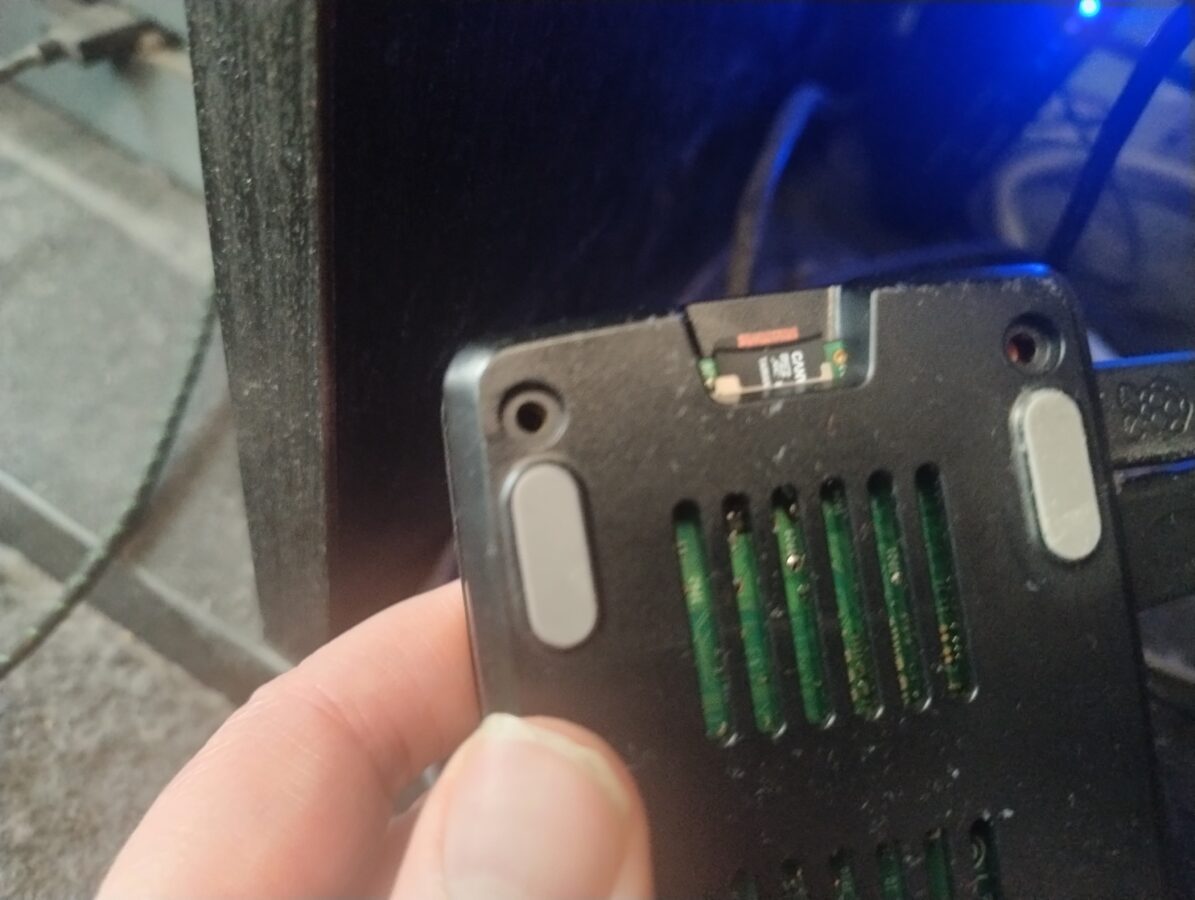
I have had some problems with my Raspberry Pi 5 and its memory card. I have Recalbox installed on my Raspberry Pi. The problems started when I turned the power off from the button that this Raspberry Pi 5 has while it was running a game. This corrupted my memory card. Luckily it was quite easy to fix this problem once I got to understand what should I do to fix this matter.
So, the problem was that Raspberry Pi 5 wasn’t starting. The screen wasn’t detected and my television didn’t display anything. I had to search for some guidance which is nowadays easy. You just have to use a search engine that also preferably has a mode in which you can utilize some AI power. I first thought that I would try to run some commands directly from SSH connection. I tried to run this Linux command (“fsck”) but I couldn’t get it to work. I would have needed to unmount the memory card first and then I would’ve had to run that command.
I didn’t feel so confident trying to unmount the memory card. Luckily the filesystem that Recalbox uses is compatible with Windows. I found out that it would be possible to run a Windows command (“chkdsk”). The filesystem of a boot partition in my memory card was FAT32 and the other partition had a exFAT filesystem. I first only repaired the FAT32 partition. I obviously had removed the memory card and inserted it in my Windows PC. Now I inserted the card back to my Raspberry Pi. Of course it didn’t load. However there was a picture.
What I had to do was to also repair the larger partition of this memory card that had the exFAT filesystem. So, after I had repaired both of these partitions, the Recalbox system now started just as it did before the memory card became corrupted. So, the problem was eventually fixed.
The memory card of a Raspberry Pi is quite vulnerable and it can get corrupted easily if you switch the power off in a wrong way. You can also access your Recalbox system by opening a web browser on a computer that is connected to your apartments nertwork and going to address: “recalbox.local”. This enables you to for example restart and shut down your Recalbox system.
I recommend to use for storing your roms and bios files some other way than just a memory card. I have a 512GB USB stick that stores currenlty all my data that is used in Recalbox. This is just huge enough for some older game roms like PS1, Mega Drive and NES just to give you an idea. I have another device that I run some newer retro games, like GameCube and original Xbox, that has a bit more power and also more storage space. A Raspberry Pi 5 isn’t so powerful that you could run for example Xbox games on it. My other device doesn’t however run Xbox 360 or PS3 games. This would require a bit more power.
So, my usage of Raspberry Pi 5 continues. I have been waiting some more news also about Valve’s Steam Machine. It would be a considerable part of my setup in the future. It would provide some power for playing retro games with emulation. We just have to wait for the announcement of price and release date. I am also dreaming about purchasing a PS5 console to empower my gaming setup even more.
The problem has now been fixed. Recalbox for Raspberry Pi 5 uses these two types of filesystems that are very much compatible also with Windows along with the compatiblity with Linux systems. It was eventually easy to fix this issue. Everything now works with this device as it did already some time ago.