Some Characteristics of Sega Mega Drive

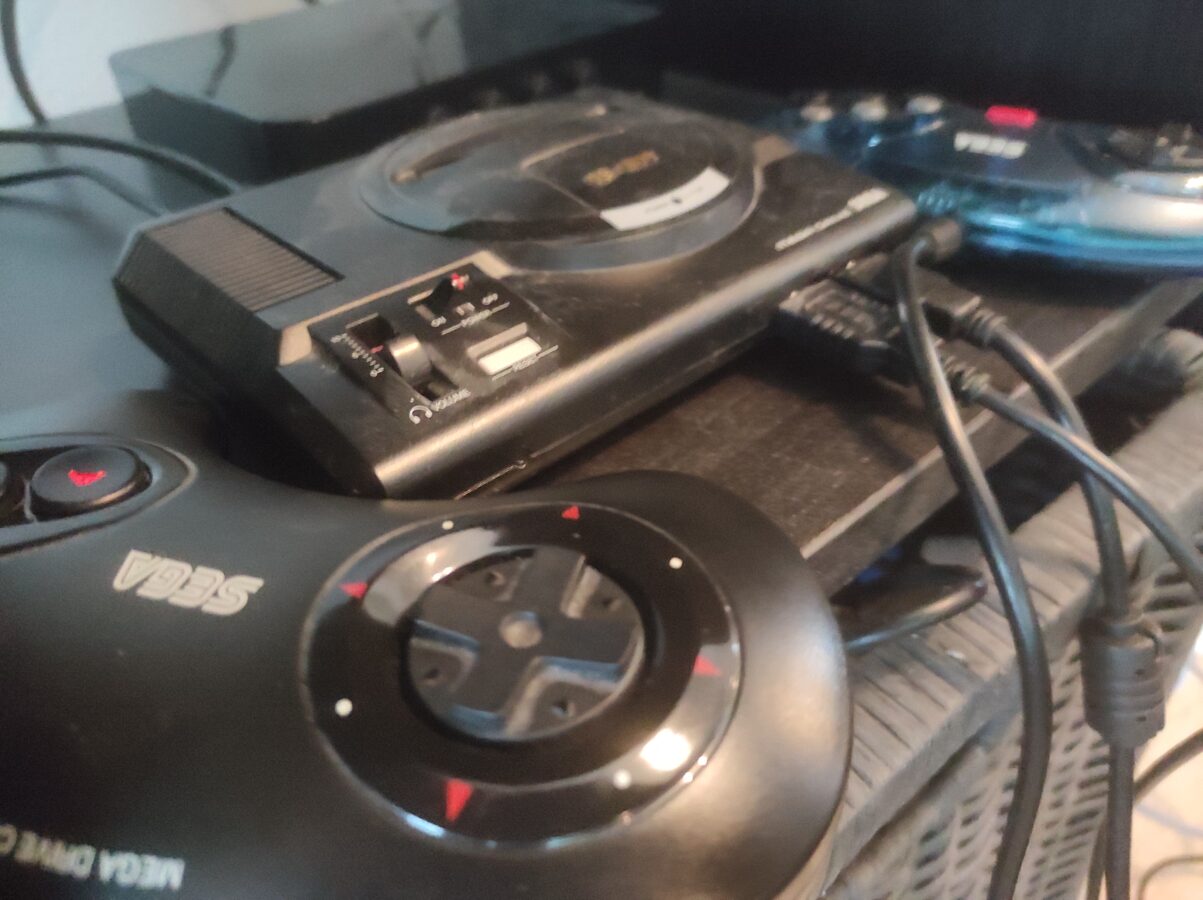
The image included here displays my Sega Mega Drive Mini. I have three controllers for it. One them has six regular buttons and two of them that were originally packaged with the gaming console that have only three buttons on the right hand side of the controller. I think original game pad is better than the updated one.

Today I have a free day. So there’s no work for me today. I had some good time playing some Mortal Kombat. It seems to be one of the best games on this gaming system. Other very nice picks are Castlevania – The New Generation, Dick Tracy, Kid Chameleon and Golden Axe II. There are several titles more that are worth playing. It’s not possible to go through them all here. Maybe I write another post about it later.

It is said that Mega Drive games repeat themselves and the gameplay is rough. It is sometimes said that Mega Drive games are worse than Nintendo games of the same era. I wouldn’t say it like that. You can compare these systems, NES and Mega Drive, but to think clearly, you should consider them to be different. You might like Nintendo games more. Or you might think like I do and I think these consoles are both good in a certain way.

Sega’s games are maybe harder to play. They definitely are more violent. In some ice hockey games there is fighting and in Mortal Kombat you can see blood as you hit or kick your opponent. NES’s games are more complex and maybe a bit more better when considering gameplay. But Nintendo’s games can be called childish. In a matter of fact this is a case of sense of taste and you can’t really argue on these.

When it comes to 16-bit devices Nintendo might have better performance in SNES than Mega Drive. That’s natural as SNES was released years after Mega Drive. I think Mega Drive had good graphics. SNES maybe had a bit better ones. But it is clear that these two represent the best quality of their own time. In the 90s you found some good games that brought you maybe the best graphics that were possible to produce as 2D graphics. When the next generation consoles were released they were heading strongly towards 3D.

I have greatly enjoyed my Mega Drive Mini. It’s price tag was about 60 euros. As I mentioned in the beginning of this blog post it came with two controllers. It takes days of two to three hours of playing to really understand this console. You will find the best parts of it. And of course you will also find the limitations that this device has. Things have progressed in designing of games and of course the technology has advanced. We might even see some new games to be released for Mega Drive even today.

You Don’t Want to Use a Generic Controller

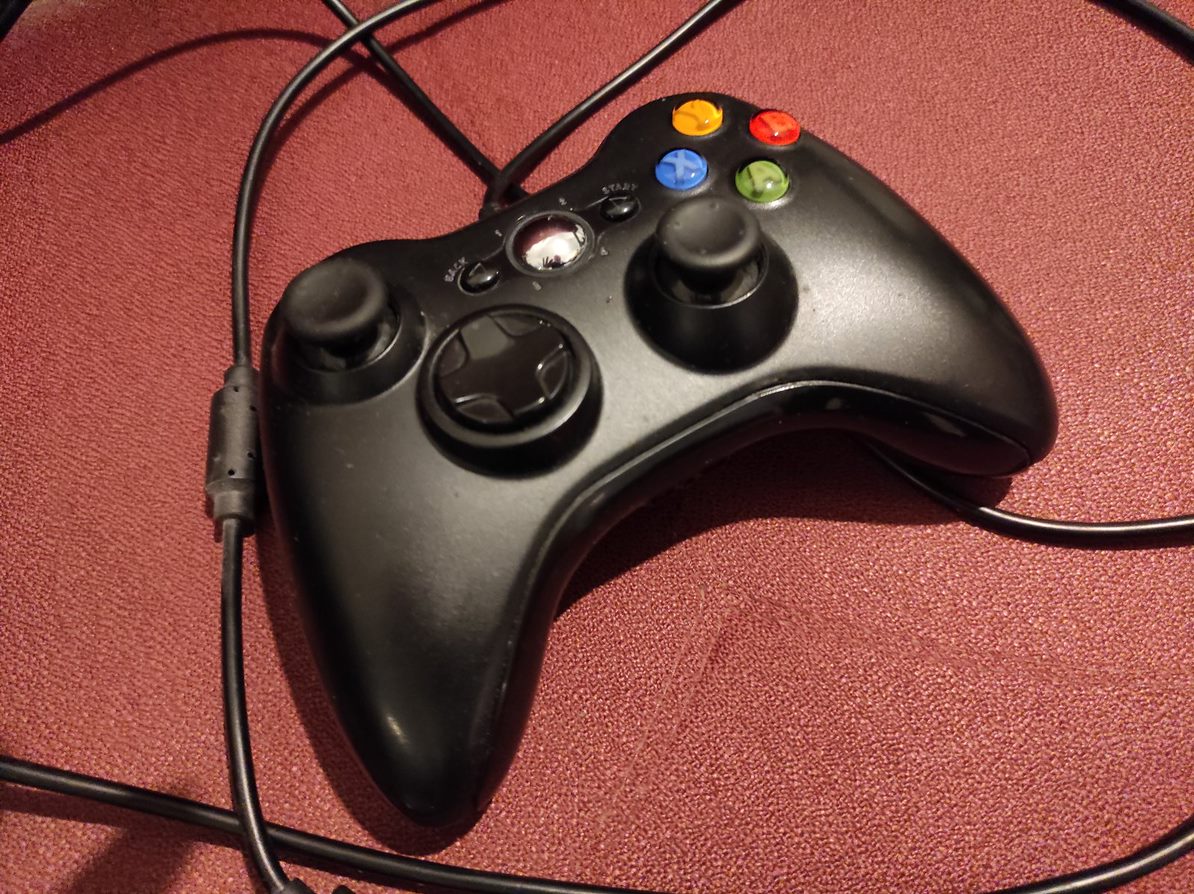
So I encountered a slight issue with my generic controller for Xbox 360. I first bought this gaming console from a friend of mine. It was a good deal. I got the regular game pad with it. As I got to know the system a bit more I discovered that it would require a battery or a cable so that I wouldn’t have to change the alkaline batteries all the time. I am not a big fan, as I wrote earlier to this blog, of AA batteries.

My solution to this slight issue was to buy a generic controller. It was cheap. It was like twenty euros or so. It played nicely for some time. It wasn’t that awful when playing driving games like Project Gotham Racing 4 or Forza Motorsport. As I was thinking about to play a FPS called Crysis 2 I encountered and totally understood the problem I had. This generic game pad wouldn’t be a solution for me as I would need a better, a sharper, controller for my Xbox 360.

It was a pain to try to aim and move efficiently while playing Crysis 2. Where I think the controller performed the most poorly was at moving the sight. The left thumb stick of this controller just isn’t accurate and sharp enough. I was very lucky although. When I first bought the console it came with a controller. This game pad was the original that was delivered with the system in the first place when the console was bought as a new. I just had to buy a USB cable for the controller or else I would have to buy some AA batteries for it and keep changing them every time they would get consumed.

I bought a cable. I actually bought one nice game also so I wouldn’t make just an order of only twenty euros. I was happy. I had finally the cable that I needed. Then I figured that the cable was actually a charging cable. Well alright then. Its length was only about two meters. That’s not a good cable for powering a game pad. So what I actually had to do was to buy an extender cable. So it got a bit messy but I finally managed to plug the controller to my Xbox 360.

I think playing FPS games with a cheap, generic, controller on Xbox 360 or maybe even on your PC is something that a real gaming enthusiast wouldn’t do. Some people like to play these shooting games with a mouse and a keyboard. And you have to say it has its advantages. I like to casually play first person shooters with a controller but when I do I prefer a good quality controller that doesn’t require me to change the batteries all the time and maybe even consume the natural resources with these kinds of actions. So save your money and buy these controllers as wisely as you can. That is all for now my dear readers. Til the next time!

How Many Buttons Can You Handle?

First of all I am sorry for not posting anything for a while. I haven’t had time, effort and, or, motivation to write here. So it’s been three weeks since I last posted here. But, now it’s time for me to write something for you guys. As you may have noticed I have added some advertisements to this blog. Maybe I get something out of this. I don’t know and we’ll figure out as I keep writing these stories here. I am trying to write something at least once in two weeks or so.

So, I decided to make a bit of a comparison between game controllers. In that featured image we have a NES controller. Now that’s about as old of a game pad as can be. Or do you remember something more older or simpler? Now, it has only buttons A and B, select, start and the directional control. There are older controllers but basically it doesn’t come much simpler than this. And look at the shape of that thing. It’s actually a piece of block with all those sharp edges.

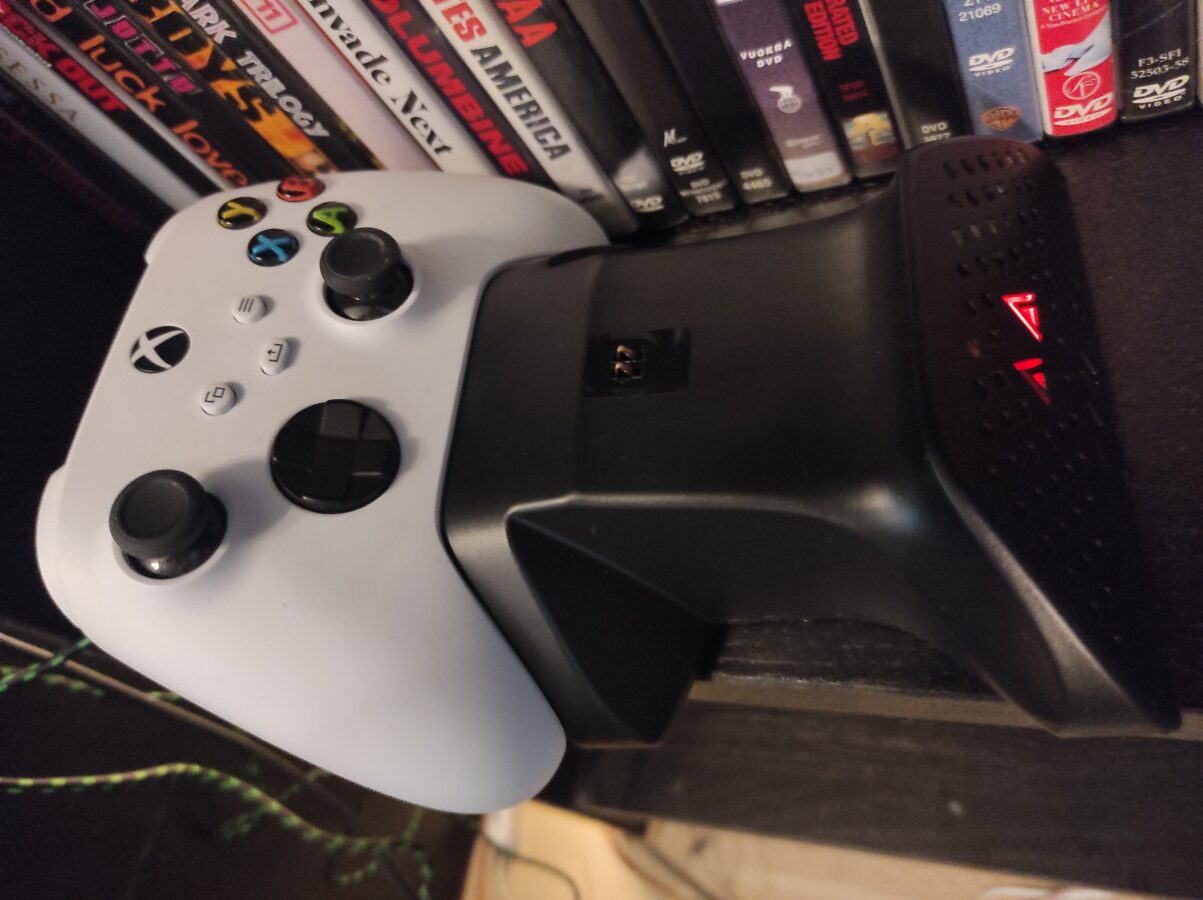
To make this comparison as concrete as can be I chose the other game pad to be the standard Xbox Series S/X controller that I got shipped with my Xbox Series S. This controller has Y, A, X and B buttons, two thumb sticks, a button to control directions, four shoulder buttons and four more buttons. As you can notice I have acquired a cable for my controller so I don’t need to keep changing batteries all the time. This game pad is also very neat, good looking and fits in the players hand smoothly.

It is definitely simpler to play NES games. While playing Xbox Series S or X games you have lots of going on. Your ways to interact in the game is more diverse. As you might have or might have not heard there is actually a limit for things that a human being can handle at a time. That’s why all the menus in the user interface usually have limited amount of choices that the user has to make. This isn’t directly what is happening here but this gives us a view to what’s really going on as you are playing a game.

Remember those annoying selections you have to make when you make a phone call. You are given maybe three or four choices and you have to press a number corresponding to the selection. The user is unable to see the options that he or she has. So that’s an example of bad user interface design. I know this isn’t exactly what is going on but this is just an example of these psychological rules that our brains use to work.

So we have a more advanced controller here. As you can see the shape has been developed to be more friendly for the user. You have more options but also more responsibility. You have the ability to move accurately the cursor. So the thumb stick can actually replace the control of computers mouse. There has been almost thirty years and you can clearly see that things have in this matter progressed. I probably have to say that this controller is also if used so completely wireless.

One important thing I have to mention while we’re on this subject. It is important that the user can get out of the game and exit from it and maybe even pause the game for a while. Both of these controllers have this option. While using NES you can hit the right button to pause the game. When using Xbox Series S you have the option to pause and exit the game mode and kind of return to the operating system mode. You can also think about how this works with virtual reality. You definitely need a way to pause the game at any time you have to.