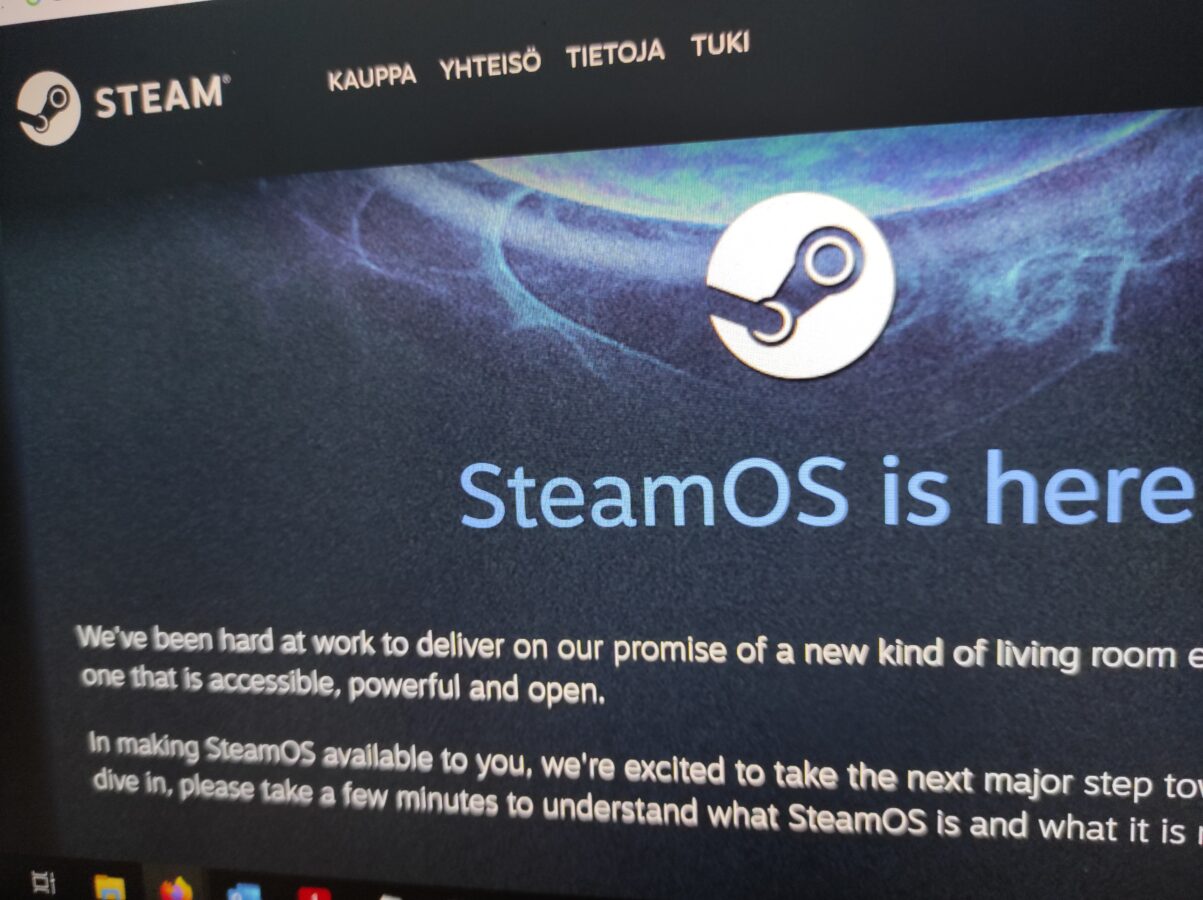
SteamOS – An Alternative to Windows

For a long period of time Windows has dominated the scene of playing games with a PC. There is always an alternative and that is Linux. If you have played video games on your personal computer you have most likely stumbled on Steam. It is Valve’s, yes, the company that brought Half-Life to us, brilliant piece of software turned as a game shop application for buying and installing and also maintaining your library of PC games.

There are of course other ways to get your favorite games delivered to you. I have to mention Good Old Games or GOG.com. Some of you might still be buying physical copies of games. You know, those optical discs. They might be CDs, DVDs, Blu-rays or even 4K Ultra HD Blu-ray discs. That is if you even have some sort of an optical drive in your personal computer.

Windows was my choice when I bought my desktop computer almost two years ago. I thought that for the way I use my PC it would be perfect. I have to mention that if you don’t get Windows on the system you are buying you are going to have to pay a lot to get it. I just checked the price of just the operating system Windows 11 and it was 145 euros. That all is just for the operating system.

Linux on the other side is free. It is also open source. What this means is that anyone can participate in making Linux better. I find this kind of comparison between Linux and Windows to be very interesting. In my current job I have had the pleasure to work a bit with PowerShell. This is a deep topic and I am going to just scratch its surface a bit. But let’s say that Linux is open and Windows is closed for what it comes to modifying the code that lies beneath the surface of the operating system.

But what about SteamOS? I can tell you that it is a Linux based operating system. It is free. And it has Steam installed on it. But what is that? I can already hear you talking about how Windows games aren’t compatible with Linux? Well, actually, now they are. Do you know what is “wine”? Let me, again, explain this a bit  further.

Wine is a tool that basically let’s you run software applications that were meant to be launched and run on Windows on Linux. This involves a lot of fiddling with settings and probably some deeper understanding about how software is commonly run on any platform or operating system. But the main point is that it indeed is possible to work with a game or application this way.

Now, when I made my decision of what is going to be my personal computers operating system, I thought a bit how am I going to use the computer. I wanted a machine that could be able to produce some documents so having office tools was important. I also wanted to be able to program on it. This actually works fine in both Linux and Windows. I am also a hobbyist musician as you may recall so it was important that my DAW would work and also that all my VST instruments and effects would be available. And last but not least, as I had a powerful device already, I wanted to be able to play latest PC games on this computer.

What was my choice? It was Windows. If I would have had to install and buy my operating system separately this would have meant that I would have had to buy a Windows license for 145 euros. The alternative would have been to install some Linux distro. Since SteamOS is currently free why not download it? It supports all of the games right?

Valve has had some success as it has brought a working market place and also a place for your gaming library for you the gamer. If you think about also Steam Deck you can clearly understand what is going on right here. Steam Deck is a very good and practical handheld gaming device. And it supports also Steam. I have been using Steam since I got my PC and that was about two years ago.

But would I go and trade my current and working system to SteamOS? I have to say that I am not right now yet ready for it. I am too concerned that I won’t have an opportunity to use my computer to other matters that aren’t about playing games. But I can say it is tempting. I have thought about testing SteamOS and maybe I will install it on some older PC someday.
Some Notes About Kid Icarus

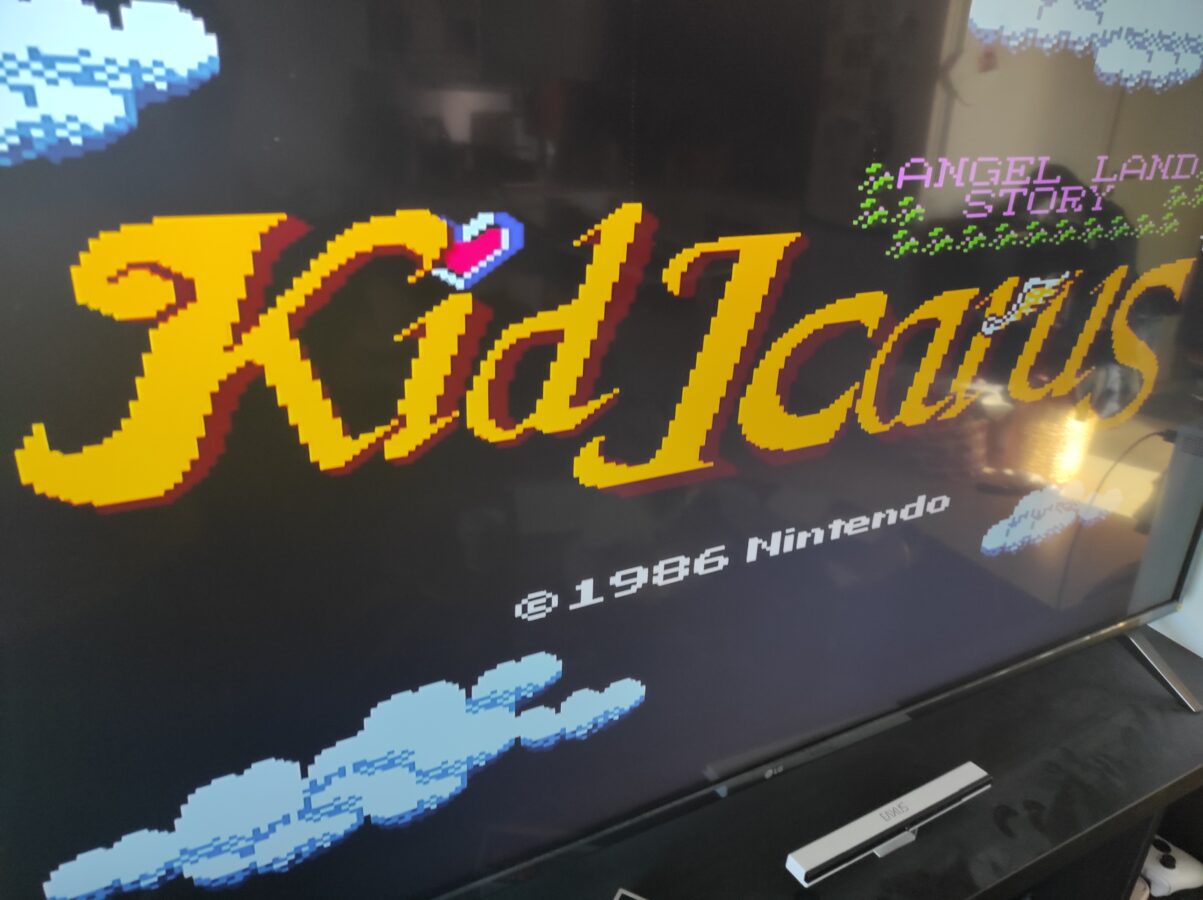
How it feels to play a game that has been released over 35 years ago? It feels amazing and so nostalgic. I didn’t play Kid Icarus as a child. I was so small kid back then. I think I might have seen someone else playing this. But I never played this back in the 80s.

I picked up Kid Icarus as I was browsing a local game shops NES games. It isn’t a pricey game. It cost me 35 euros. I ordered also some other games. I now have a total of seven games for Nintendo Entertainment System right now. I am playing these games with my Retro Trio Plus console.

Kid Icarus is a simple platform and shooting game. You have unlimited amount of arrows that you can use to eliminate enemies which are flying or crawling and attacking you. When you kill an enemy you get hearts. With one controller button you can jump. The other button is used for shooting an arrow. You can shoot to your left or right or even up. You also come across some enemies that take lots of arrows to kill. You can find the ground to be slippery or icy at times.

You basically move upwards in a level and keep shooting at ghosts and other monsters. When you reach a certain stage the game gives you a check point where you can continue your game from. As is usual with NES games the saving is not possible. There is some kind of a password system but I didn’t get so close to utilizing it.

Kid Icarus is a fun game. And it’s a very old game. I don’t know if it’s so interesting after you have played it for a while. If you are really into some 80s stuff and NES I can recommend this game for you. I just don’t think it would be so valuable as a game for someone that likes to play the greatest or latest games.

As times have progressed Kid Icarus is a blast from the past. It makes me think how designing of games has evolved. It makes me think about all the limitations these developers faced in 1986. So, to sum it all up I have to say that it is a nice game but I don’t think its worth to spend an eternity playing it. So, today I’m going to play my Gran Turismo 7 for a while and maybe I have time to try to finish Diablo II Resurrected. Who knows?


How Many Buttons Can You Handle?

First of all I am sorry for not posting anything for a while. I haven’t had time, effort and, or, motivation to write here. So it’s been three weeks since I last posted here. But, now it’s time for me to write something for you guys. As you may have noticed I have added some advertisements to this blog. Maybe I get something out of this. I don’t know and we’ll figure out as I keep writing these stories here. I am trying to write something at least once in two weeks or so.

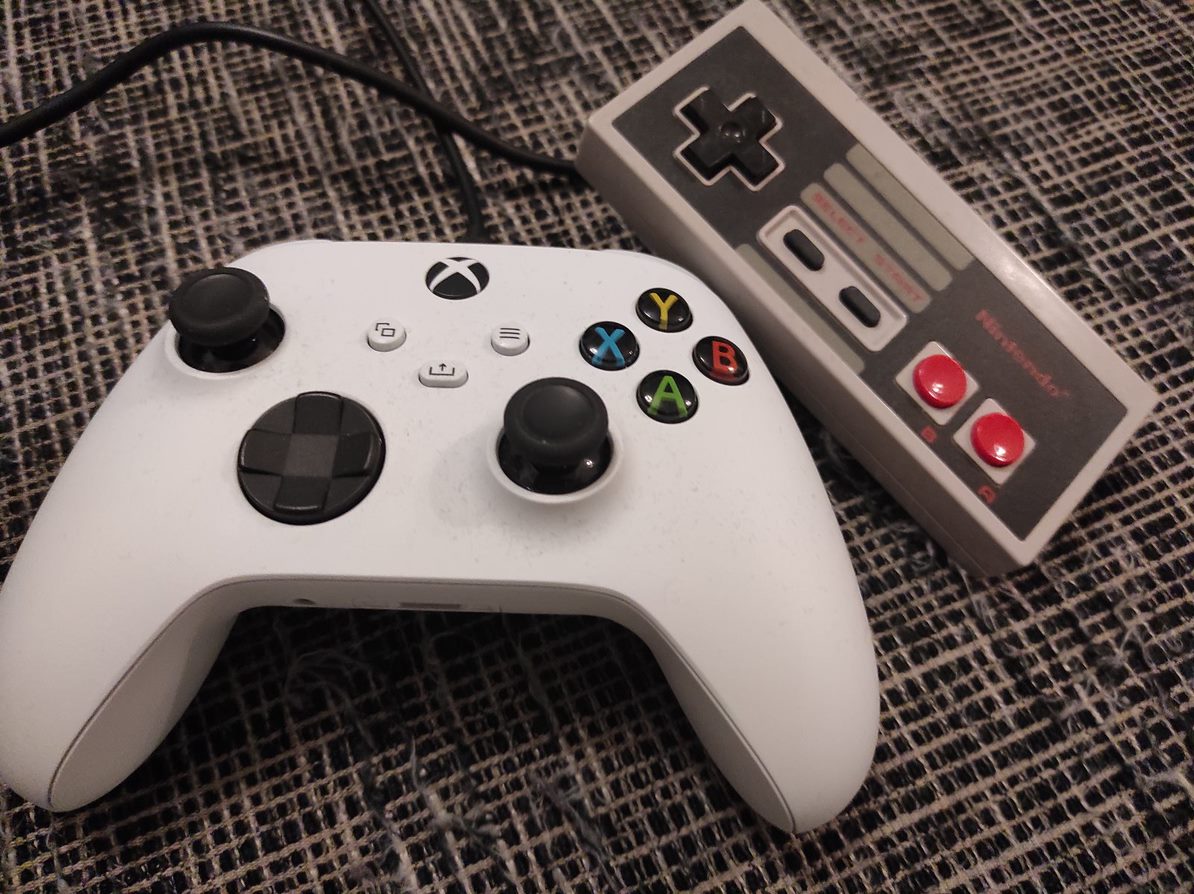
So, I decided to make a bit of a comparison between game controllers. In that featured image we have a NES controller. Now that’s about as old of a game pad as can be. Or do you remember something more older or simpler? Now, it has only buttons A and B, select, start and the directional control. There are older controllers but basically it doesn’t come much simpler than this. And look at the shape of that thing. It’s actually a piece of block with all those sharp edges.

To make this comparison as concrete as can be I chose the other game pad to be the standard Xbox Series S/X controller that I got shipped with my Xbox Series S. This controller has Y, A, X and B buttons, two thumb sticks, a button to control directions, four shoulder buttons and four more buttons. As you can notice I have acquired a cable for my controller so I don’t need to keep changing batteries all the time. This game pad is also very neat, good looking and fits in the players hand smoothly.

It is definitely simpler to play NES games. While playing Xbox Series S or X games you have lots of going on. Your ways to interact in the game is more diverse. As you might have or might have not heard there is actually a limit for things that a human being can handle at a time. That’s why all the menus in the user interface usually have limited amount of choices that the user has to make. This isn’t directly what is happening here but this gives us a view to what’s really going on as you are playing a game.

Remember those annoying selections you have to make when you make a phone call. You are given maybe three or four choices and you have to press a number corresponding to the selection. The user is unable to see the options that he or she has. So that’s an example of bad user interface design. I know this isn’t exactly what is going on but this is just an example of these psychological rules that our brains use to work.

So we have a more advanced controller here. As you can see the shape has been developed to be more friendly for the user. You have more options but also more responsibility. You have the ability to move accurately the cursor. So the thumb stick can actually replace the control of computers mouse. There has been almost thirty years and you can clearly see that things have in this matter progressed. I probably have to say that this controller is also if used so completely wireless.

One important thing I have to mention while we’re on this subject. It is important that the user can get out of the game and exit from it and maybe even pause the game for a while. Both of these controllers have this option. While using NES you can hit the right button to pause the game. When using Xbox Series S you have the option to pause and exit the game mode and kind of return to the operating system mode. You can also think about how this works with virtual reality. You definitely need a way to pause the game at any time you have to.