Some Notes About PC Gaming

With all my video game consoles I am also very deeply into PC gaming. In this blog post I am going to write to you about my experience in PC gaming in 2025. What games do I play, what kinds of hardware and software I use and how can a PC be utilized to also play some retro games be it that they are on any platform including consoles and older PC gaming systems like MS-DOS or older Windows. I am not so deeply involved in Linux or Mac games. I have only played several Windows and DOS games. I think that Linux gaming is a very young field at this moment but things are moving forward all the time. Linux is today able to play many games that were available only for Windows systems earlier. We are not going to go so deeply into Linux gaming as I have at this moment a Windows 10 installed on my PC.

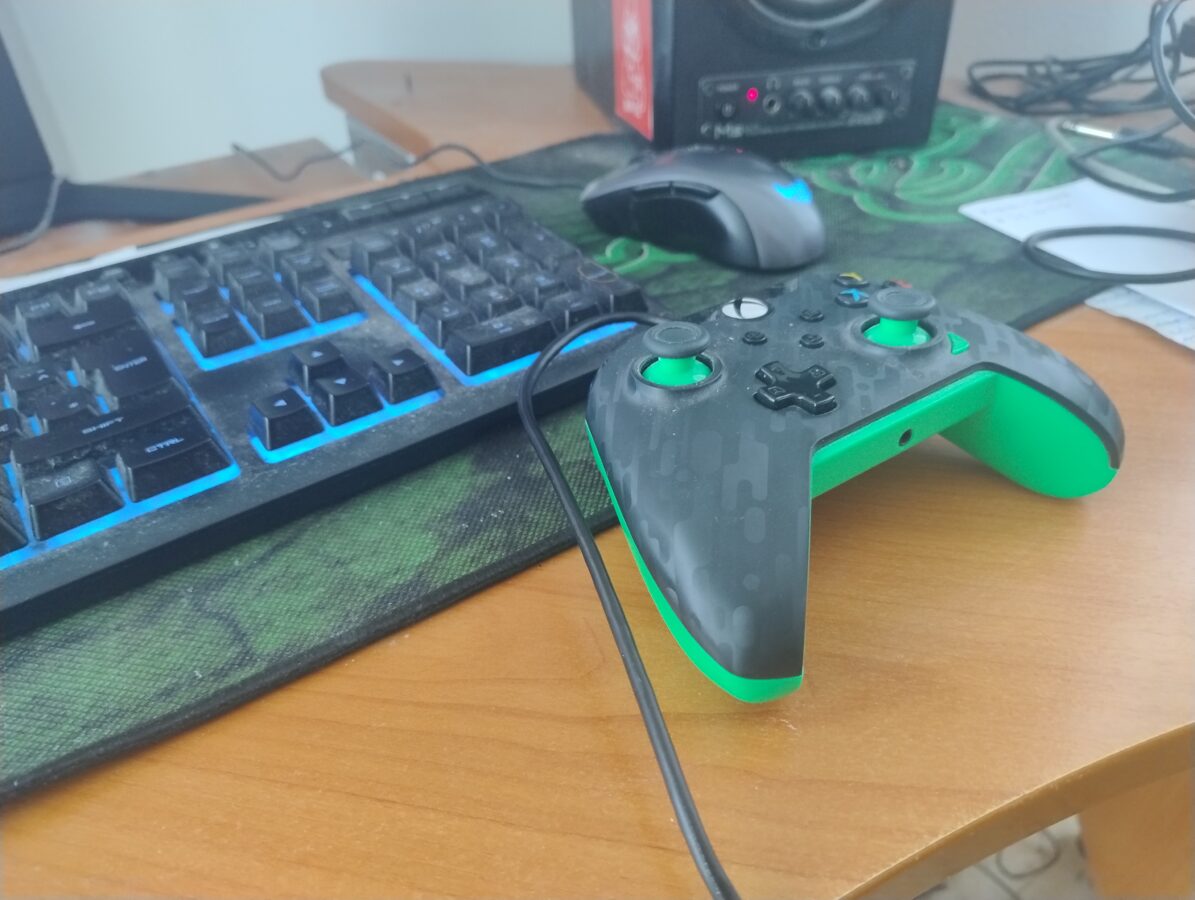
Some old school gamers might be a bit confused since many PC gaming hobbyists are utilizing a game pad today. Originally PC gaming was very focused on playing with a mouse and a keyboard. I once handed a game pad to my friend, he’s a total PC gamer and has been playing for a long time already with a PC, and he just couldn’t figure out how to even put the controller in his hands. He was trying to handle it like it would be a keyboard. This is just to remind you that some PC gaming enthusiasts are very keen on playing with this somewhat old school controlling method. Back in the 90s it was almost impossible to picture someone playing a FPS game with a game pad. This changed when games like Halo and Call of Duty became popular within console gamers.

Console and PC gaming has become closer and closer to each other. There used to be these two separate groups that favored PC or console games. Of course PC even today cost a lot more than consoles. It is somewhat ridiculous that some players demand same performance from devices like Xbox Series X and PS5 that is present in PC gaming. It has been some kind of a law of nature that consoles are cheap to buy and the profits that console manufacturers make are made out of selling software and mainly games for these systems. There are many ambitious and huge games while some games are developed by indie developers that don’t have so much expectations or technical ability in the games they are releasing. I think this is mainly a good thing. Not every game has to be a huge success after all.

I have lots of PC games in the form a DVD or CD-ROM disc. Today it is coming more and more common to see a PC that doesn’t have a optical disc drive at all. Many setups available don’t include the drive at all. My personal solution to this was to first buy an external DVD drive and just recently I got also a Bluray disc drive. It was a bit expensive. It cost me about 150 euros. I haven’t seen any Bluray Ultra HD 4K disc drives that would have been available in any web shop that I encountered online. This is the actual format of the latest video game consoles.

Gamers are buying their PC games mainly from places like Steam and GOG (“Good Old Games”). There is also the consideration about abandonware. This means that some games aren’t available to be purchased at all and the copyright holder doesn’t really mind if someone is sharing the game for free to be downloaded. You can run a search on your favorite search engine, like DuckDuckGo, or some else, to see some of these games. My favorite place to find abandoned PC games is “My Abandonware” that is a website that holds thousands of games. Soe games are tagged as “commercial” and this means that you aren’t able to download them at least from this site. Some popular abandonware games are the original Silent Hill 2 – Restless Dreams, Black and White 2 and Need for Speed Most Wanted.

It is also possible to play many retro games on a PC. This subject is a bit controversial. Some game companies, like Nintendo, are telling us that emulating older systems is piracy and illegal. Some consumers think it is totally all right to play these games that are downloaded from some gaming website. The law says that for example to use a PS1 emulator on a PC you have to extract the BIOS from the PS1 that you own and then rip every game from an original CD that you own. Then you are perfectly legit with this matter. We are not going to go so deeply in this topic ether. Let’s just state that emulation is possible and there are emulators available that emulate devices like GameCube, PS2, N64 and PS1.

When it comes to operating systems Linux has gained some popularity. At October Windows 10 users are forced to update to a Windows 11 system or then pay some more to keep using their Windows 10 systems. Some lucky people just need to update their operating system while others, that don’t have a compatible PC for this upgrade, are going to have to buy a Windows 11 PC.

How about the issues of performance? How powerful PC can run the latest games and how much does it cost? I have currently a systems that has 16 GB of RAM, a video card memory of 8 GB, a lousy CPU that actually isn’t compatible with Windows 11 or 12 and a 2 TB SSD drive (along with a 250 GB SSD that holds my Windows 10 system files). I also recently bought, finally, a screen that is 28 inch and can display 4K resolution graphics. I am going to upgrade to a PC that has at least 64 GB of RAM, 2 TB SSD, and a video card that has 8 GB of video memory. Also I need good and compatible CPU. This system should be able to run games like the new Silent Hill 2 and Final Fantasy 16. This kind of a computer is going to cost me about 1300 euros. I bought my old PC with a price of 750 euros back in December of 2020. So, it is already a kin do f time also to update my computer to enjoy some modern PC gaming. I think this is all this time and we’ll see in a new blog post later.

Playing Some Gran Turismo 4 (Again)

I am playing Gran Turismo 4 once again. This game is in my opinion the best one in the series. Not to say that there would be any really bad games in this racing game series. I was thinking about writing a ranking about how I think Gran Turismo series’s games are compared to each other. While I think Gran Turismo 4 is the best I think the first game and also GT 7 were also very good games. It has to be mentioned that the first game deserves some credit about its innovative approach to racing. That game was the one that sparked the series into its way to success.

I have played, since I recently started playing it from the beginning, for about 14 hours. I am always complaining about retro hardware breaking down so now I am going with PCSX2, the PS2 emulator for PC Linux/Mac/Windows. I do have also the original game that can be ripped from DVD with a computer and an optical DVD disc drive. Actually, I recently bought myself also an external Bluray drive and I am hoping to get to rip some PS3 games also. I might write about that also later in a new blog post. Lets just see how my plans are going to be developing.

I am playing this game with a game pad. I am using an Xbox controller because it is so cleverly compatible with my current PC setup. I am running a Windows 10 with 16 GB of RAM and a neat GPU that has 8 GB of video memory. I do have also a SSD that can hold 2 TB of data. I think for modern gaming 1 TB would be enough. The weakest link in my setup might be my personal computers processor/CPU. So, its quite clear that I am also going to have to upgrade my computer later this year. I also have some news about my screen/monitor. I finally upgraded to a screen that has a 4K resolution and is also a bit bigger. The size is 28 inches. Compared to my old Full HD 22 inch display this one is clearly better.

I am hoping to get to play some more new games with a new Windows 11 PC. I have already bought Final Fantasy XVI and Starfield from Steam but my hardware is too poor in performance for me to play them currently. So, I have bought these two games but never even installed them. I am also very interested in getting into the new Silent Hill 2 remake that has received a lot of good reviews. I hope I will get to update my PC in about 2 months. The move to Windows 11 from Windows 10 is going to be scheduled to October. So, for me, this is the final deadline for the upgrade.

This week we also finally got some news from Nintendo concerning the release of Switch 2. The price is going to be 470 euros and 510 euros when you buy one game bundled. This game is going to be Mario Kart World. It is already possible to make an order at least here in Finland. The actual release will be 5th of June this year. I am waiting to get my hands on the new console. I am probably going to get at least Hades 2 and maybe the new Tony Hawk’s Pro Skater 3 + 4 when it gets released in July.

What more do I have to say about Gran Turismo 4? It was originally released for PS2 in 2005. The graphics are just amazing and I think that they even hold up against today’s racing games. It is very nice to play Gran Turismo 4 with a 4K display and some graphics settings tweak and the screen just screams as the beautiful graphics are getting displayed. There hundreds of real cars that need some updating and tweaking of settings. You can start with buying a transmission that can be set up to get a better acceleration for your vehicle while your top speed does drop. You can have yourself a strategy about different tracks that different types of corners and parts where you are just driving full speed ahead. You have to play some tracks several times to gain some credits so you can advance and buy a new car. You also have some missions to complete to get a proper driving license. Winning series’s of races is being rewarded with a car also.

Clone Your Memory Card in PCSX2 Emulator

We are dealing with a PS2 emulator that is very capable and that provides you a good quality of emulation for your PC. PCSX2 is available for Linux, Windows and MacOS. Its system requirements include 2 GB of video memory and 8 GB of RAM. There are some requirements also for the CPU or processor. A 64-bit operating system is also a requirement. The recommended system settings are a bit higher. PCSX2 has a good and comprehensive website where you can also look for more details.

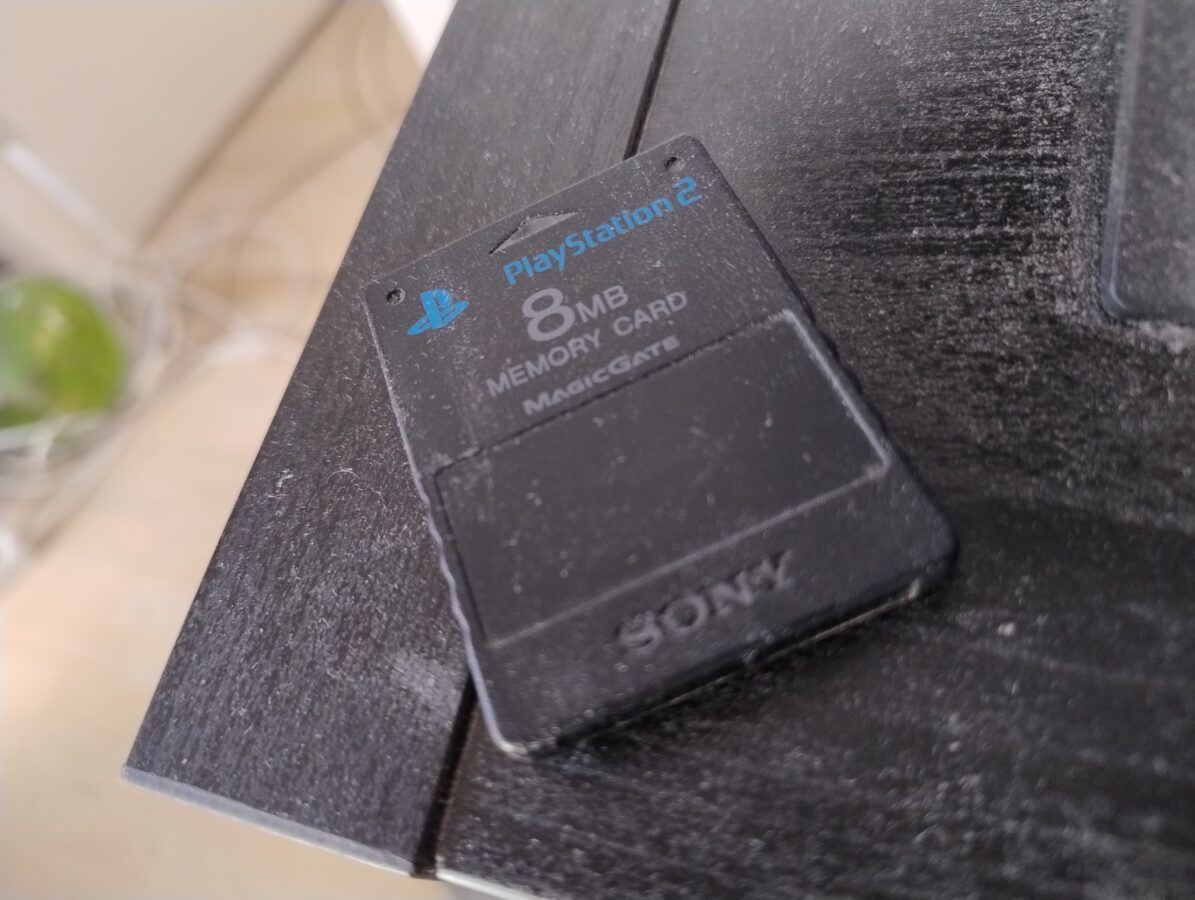
PCSX2 utilizes virtual memory cards that are files that have a filename that is ending in *.ps2.  Now, the standard memory cards have 8 MB of space. So, you have to use these memory cards just to save your progress in a game. I am currently playing, once again, Gran Turismo 4 and it takes about 1,5 MB just for the save. There were already some other saves and the emulator printed a message for me saying that the memory card is already full.

So, what do you do? You can of course start your PS2 with no disc inside so that it goes to BIOS. Then you can delete some saved games. You can access BIOS within PCSX2 by first clicking, on your upper left corner: System->Start BIOS. You should do this while there isn’t a game running. Now you can get an access to your memory card by selecting Browser->Memory card on your emulated virtual PS2.

However there is another and more practical way to handle this situation. With no game running on your PCSX2 head over to Settings->Memory cards. Now, click Open… button that is located on the right side of the part that reads Memory cars – Folder: and the location of your virtual memory cards or the files ending with .ps2. Click that button (Open…). Now these files are showing in your operating systems resource manager or the application that you actually handle your files. Now make a copy of the file. This memory card file should preferably be empty. You can empty the file within your PS2 system and then make a copy of the file. You can also leave an empty memory card file that you can copy or clone when you need more space for your saves. I know that I am not going to closely to how the memory card gets copied in your operating system, be it Linux, Windows or Mac, but I think you can manage to do this and will get the idea that I am telling you.

Now, move to your PCSX2 graphical interface. You should be in a windowed view and you should see every memory card file that you have in this specific folder. Make sure there is a tap on your memory card slot 1. Click the “eject” button.  Now the virtual memory card gets ejected. Next you must drag-and-drop your new and preferably suitably named memory card file to the slot that was emptied earlier. Congratulations! You have now a fresh virtual memory card to be used with your PCSX2 emulator. You can now click Close on the window and continue using your PCSX2 emulator.

PCSX2 is a very capable PS2 emulator. It makes playing all almost 4000 PS2 games a smooth experience. I found out that tweaking some graphics settings and also settings found from within the game you could actually make the visuals more detailed. You can manage the settings by going in PCSX2 to Settings->Graphics. From Display I changed Aspect Ratio to 16:9. It can be set to standard 4:3 that is the original aspect ratio. You can also change, from Rendering tap, your Internal Resolution. I changed it to 6x Native (4K UHD). You have to consider how powerful your host PC is. I have a compatible CPU, a video card with 8 GB of memory and 16 GB of RAM. I haven’t had any major issues while running PCSX2 with these settings.

I ended up using PCSX2 because my PS2 always kept breaking. I don’t know if it is because all this dust that you must have seen in my pictures here on this blog. Is it because of the poor overall quality of these game consoles or what. In any way I just find it easier to rip my PS2 games to my PC and then utilize PCSX2 to play them. I don’t get to play with a real PS2 controller but I think that is not so important. Okay then – I hope you found something interesting from this blog post. See you again soon!