How Basketball Games Have Evolved – From Super Real Basketball to NBA2K18

The first basketball game I ever owned was Super Real Basketball. It was released for Sega Mega Drive. Later NBA Jam came and it was maybe the best basketball game, or maybe title, of all time in sport games history. Let’s take a deeper look into how Super Real Basketball was played and how it was compared to the latest basketball game I have right now in my collections.

Super Real Basketball was fast paced game. You could move one player that had or didn’t have the ball. You had your defensive play and your offensive play. You could steal the ball if opponent tried to pass it to a teammate. When you had a drive to the basket there suddenly appeared an animation that required you to hit the shoot button at right moment. If you were on defense and you were near the player that was trying to score you could block the shot, again, by pressing a button at correct time. If you wanted to shoot a three pointer that was also possible.

The limitations of one of the first Sega Mega Drive basketball games were that although it promised a sense of reality it actually wasn’t very realistic. One thing there is that could have been designed better and that was the statistics of the game. The game didn’t have strong statistics. There weren’t real names of players of NBA or any other league. Names were just some basic names. You really couldn’t make much of a difference between players. Some players were faster than others or had better shooting skills. You just couldn’t name a player that was good with for example ball handling.

When it comes to the latest basketball games there is lots of improvements that have been made over the time as sport games have generally developed more. The latest NBA game I have is NBA2K18. The 2K series of basketball games has had good reviews, I think, since the release of NBA2K14. I think you can already trust the quality. When there is another season beginning there will be a good basketball game made with the latest players and teams.

Statistics ar great in NBA2K18. You basically play maybe two or three seasons and develop your player. You first choose some qualities of the player that don’t change like the name, number of the players shirt and height and even weight. You have to think what kind of a player you want to create. Will it be a 3 point shooter, point guard or play maker or do you want to become a center that has amazing blocking and defensive skills. After that you play the regulat season, one season is 82 games long and if you win enough games, you go to playoffs. Your player gets skill points that give you options to buy more stats for your player.

The gameplay is very nicely developed especially compared to the first basketball game I was talking about earlier. You can make steals, although you can get a penalty, if you are too much into stealing the ball, block a shot of an opponent in real time. Shooting is based on how open you are, what kind of a release you have and also how good is the ability of shooting of your player. You have a strong feel that you are actually the player. The Mega Drive game was about team play – the newer game is about individual player, but you have some game modes that enable you to play as a team or as a coach. I’ve only played NBA 2Ks, 2K14 and 2K18, as a single, individual, player.

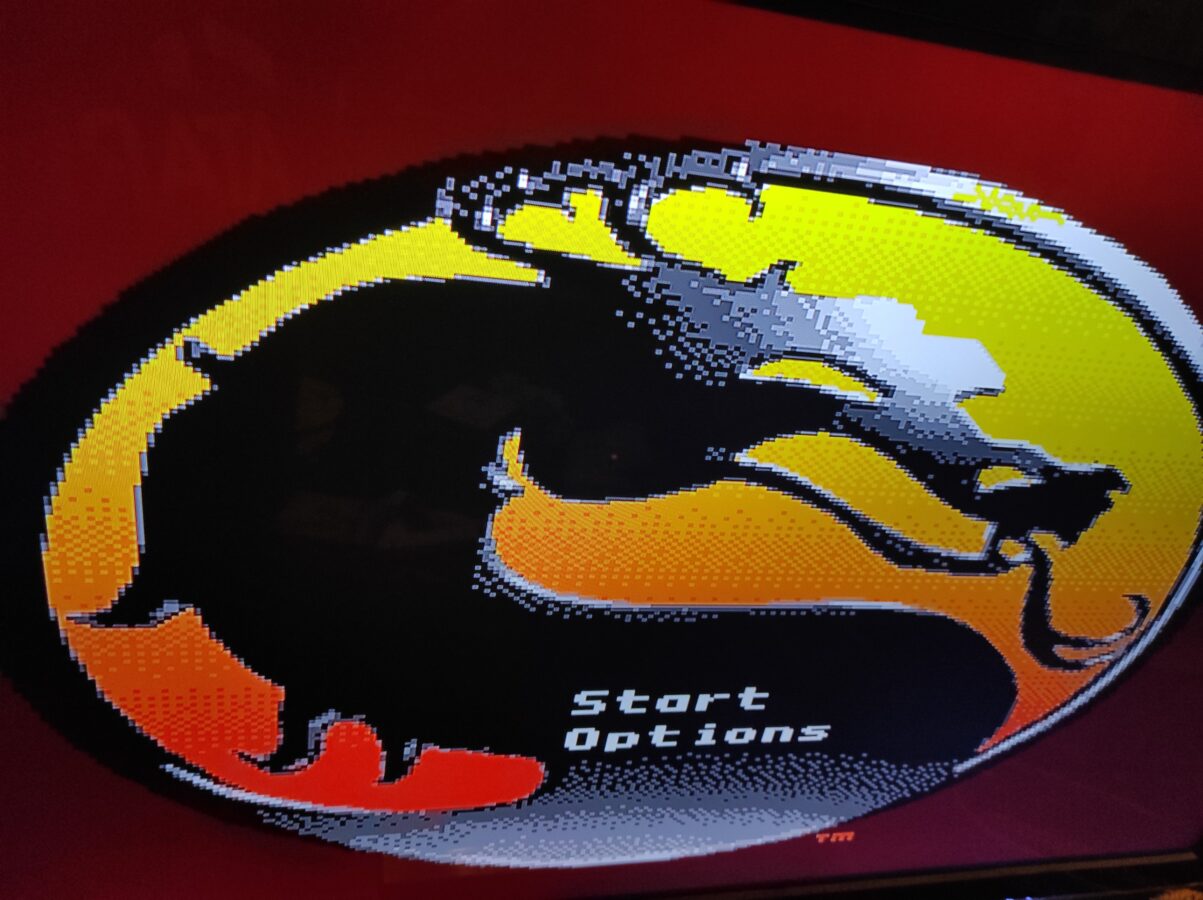
So there is a lot of progress. I can tell you about NBA Jam also a bit. I first started playing it in an arcade. We had a great arcade that had games like NBA Jam and Mortal Kombat. So that was the first touch. I later played with a friend that had College Slam on his PC. That was cool. Lately I bought NBA Jam for Mega Drive. It’s still a great and fast paced basketball game that is played two versus two. There have been many versions and I like the PS3 version the most. It’s funniest when played with an opponent that is a human person. It’s not so much fun if played against a computer.

So these two basketball games are ones that I truly have myself played and I’ve played them a lot. It’s really nice to see how the sports games have been developing since late 1980s. And you can see how licensing, and I mean here that the players and teams have real names, affects the experience of the game. You can name a player that is good at shootiing three pointers for example. Like, to mention someone, Stephen Curry. It gives that certain touch to the games build aaround playing basketball. There are also games in which you can play on the streets. Maybe I have space and time to write about them some other time.

Redream – A Dreamcast Emulator

Segas last gaming console, Dreamcast, was released in 1999, at least in Europe. It was actually released in November 1998 in Japan. It wasn’t a bad console. Many say it was the best gaming console that was ever released. To some it was even better than the first PlayStation. It sure was more powerful. It had many great games but it only stayed available for consumers to buy for a short period of time. Dreamcast was drawn from manufacture at the end of 2001. So there might have been more games released for this system if it would have been longer in the markets.

Some good Dreamcast games that I’ve played are Skies of Arcadia, NBA 2K2 and Crazy Taxi. I have heard that games like Sonic Adventure, Legacy of Kain: Soul Reaver, Quake III Arena and Jet Set Radio are good games also. If you have a game for Dreamcast I haven’t mentioned here feel free to comment this post. Skies of Arcadia is a nice role playing game. It reminds a lot of Final Fantasy games. Crazy Taxi is a kind of a driving game where you pick up customers and drive them where they want to go. NBA2K2 is pretty much what the title says – a basketball game.

Let’s talk about Redream. It is a Dreamcast emulator. It is available for Linux, Windows and Mac. There is also an option for a download for Raspberry Pi. The setup is made easy for a user of a computer. You select the download that corresponds to your operating system. Then you unpack and just run the application. You might want to add shortcut to desktop also. The user interface is also easy to learn. You can see all the games you have currently. You can select the location of your rom files inside your computer. You can also adjust some settings concerning your saved games, input devices, video (for example the resolution of the screen you are using) and some other options related to localization.

Redream is a good looking Dreamcast emulator. It’s clearly the easiest one to use when I think about its competitors such as DEmul and NullDC. They required more fiddling with the settings. Dreamcast emulators, all in all, are far more easier to setup than a well known PS2 emulator PCSX2 is. Don’t get me wrong. PCSX2 is a great emulator. It just is a bit hard for a non technical user to setup. Redream also works very nicely. I haven’t had any problems. It hasn’t crashed at all as I have used it for some time now. You can download stable release or development release. This means that the stable version has been tested and development version is the most recent versio´n that has the most recent new features.

You can download Redream here

D-Fend Reloaded – A Frontend for DOSBox

Ever wanted to play those old and definitely retro MS-DOS games you played tens of years ago? Guess what? That is completely possible! There is a tool called DOSBox. It is basically an emulator which then operates an emulation of MS-DOS. It might be a bit tricky to first get it to work but I am glad to say that there is a solution that makes running your DOS games easier. The thing is called D-Fend Reloaded and I am going through in this article where you can get it, how to install it, how to fiddle the settings and how to install a game for it. You can even go as far as installing some other frontend for your mobile device but that can be discussed later in some other article.

1.) Download D-Fend Realoaded

It was very easy to install D-Fend Reloaded on my Windows 10 computer. DOSBox is included in the setup. You can download it here . I am not going into so much details when it comes to different options you can download. Just choose “Default package” and download the installer of version 1.4.4. That is what I am using here. It might be alreaady updated but that’s usually a good thing. Installation is pretty much easy. Make sure you have a folder somewhere that has some zipped, preferably freeware, games that you can install with D-Fend Reloaded.

2) Download a .zip file of some “freeware” game

Next, we are going to download a free game so we can go through the process of installing a DOS game. There are lots of DOS games on “DOSGames.com”. Let’s download “Acid Tetris”. Just click “Download The Game Free”. The .zip file gets downloaded. You can move it to some folder you like.

3) Adding/installing a ´game to the frontend

This is the trickiest part of this easy tutorial. Open D-Fend Reloaded. Now click “File” and navigate to “Import”->”Import archive file…”.  Then select the file we downloaded (“DOSBOX_SABA.ZIP”).  Click “Open”. Add “Profile name”. It can be for example “Acid Tetris”. Click one more time “OK”. And now we have the game in the list.

4) Play the game we just installed

Just double click the name of a game (inside D-Fend Reloaded) that you want to play …