SteamOS – An Alternative to Windows

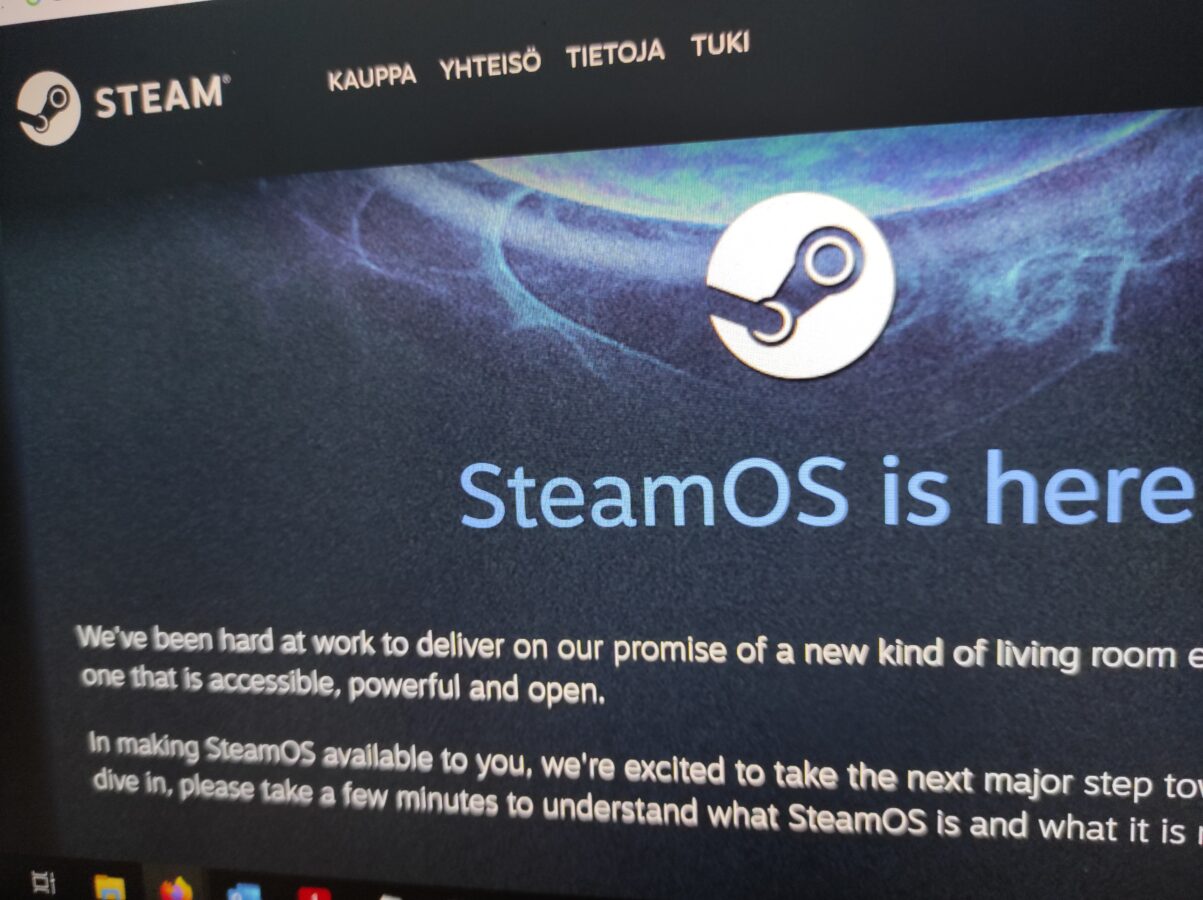
For a long period of time Windows has dominated the scene of playing games with a PC. There is always an alternative and that is Linux. If you have played video games on your personal computer you have most likely stumbled on Steam. It is Valve’s, yes, the company that brought Half-Life to us, brilliant piece of software turned as a game shop application for buying and installing and also maintaining your library of PC games.

There are of course other ways to get your favorite games delivered to you. I have to mention Good Old Games or GOG.com. Some of you might still be buying physical copies of games. You know, those optical discs. They might be CDs, DVDs, Blu-rays or even 4K Ultra HD Blu-ray discs. That is if you even have some sort of an optical drive in your personal computer.

Windows was my choice when I bought my desktop computer almost two years ago. I thought that for the way I use my PC it would be perfect. I have to mention that if you don’t get Windows on the system you are buying you are going to have to pay a lot to get it. I just checked the price of just the operating system Windows 11 and it was 145 euros. That all is just for the operating system.

Linux on the other side is free. It is also open source. What this means is that anyone can participate in making Linux better. I find this kind of comparison between Linux and Windows to be very interesting. In my current job I have had the pleasure to work a bit with PowerShell. This is a deep topic and I am going to just scratch its surface a bit. But let’s say that Linux is open and Windows is closed for what it comes to modifying the code that lies beneath the surface of the operating system.

But what about SteamOS? I can tell you that it is a Linux based operating system. It is free. And it has Steam installed on it. But what is that? I can already hear you talking about how Windows games aren’t compatible with Linux? Well, actually, now they are. Do you know what is “wine”? Let me, again, explain this a bit  further.

Wine is a tool that basically let’s you run software applications that were meant to be launched and run on Windows on Linux. This involves a lot of fiddling with settings and probably some deeper understanding about how software is commonly run on any platform or operating system. But the main point is that it indeed is possible to work with a game or application this way.

Now, when I made my decision of what is going to be my personal computers operating system, I thought a bit how am I going to use the computer. I wanted a machine that could be able to produce some documents so having office tools was important. I also wanted to be able to program on it. This actually works fine in both Linux and Windows. I am also a hobbyist musician as you may recall so it was important that my DAW would work and also that all my VST instruments and effects would be available. And last but not least, as I had a powerful device already, I wanted to be able to play latest PC games on this computer.

What was my choice? It was Windows. If I would have had to install and buy my operating system separately this would have meant that I would have had to buy a Windows license for 145 euros. The alternative would have been to install some Linux distro. Since SteamOS is currently free why not download it? It supports all of the games right?

Valve has had some success as it has brought a working market place and also a place for your gaming library for you the gamer. If you think about also Steam Deck you can clearly understand what is going on right here. Steam Deck is a very good and practical handheld gaming device. And it supports also Steam. I have been using Steam since I got my PC and that was about two years ago.

But would I go and trade my current and working system to SteamOS? I have to say that I am not right now yet ready for it. I am too concerned that I won’t have an opportunity to use my computer to other matters that aren’t about playing games. But I can say it is tempting. I have thought about testing SteamOS and maybe I will install it on some older PC someday.

Playing Game Boy Games (And Not Taking It Too Seriously)

This thing in this featured image is Super Game Boy. Can you guess what it can accomplish? Yes, to play Game Boy Games on Super Nintendo. So there’s an adapter and a Game Boy game which happens to be a good Game Boy game and it is…Super Mario Land.

Why and how did I start getting into Game Boy games? I just figured that there might be something interesting here. It all started as I played Zelda – Link’s Awakening. You know, that’s a Game Boy game and a good one, I can tell you that. So I started to get an idea out of this.

So, there are games being developed for some system. If you happen to be a game developer you have to take in consideration many things about on what device the game can be played on. Game Boy certainly has limitations but just look at these two games that I have mentioned here. They are of very good quality.

How limited is Game Boy as a gaming system? We can start from the screen resolution…or so called resolution. Game Boy actually has a resolution of 160×144 pixels with an aspect ratio of 10:9. That’s a small screen for a handheld gaming console. It’s actually so small that sometimes while I was testing Super Mario Land, just moments ago, I felt a bit of clumsiness because there just are so few pixels for controlling and actually moving your character.

What are some other limitations? There are only a limited amount of colors. Originally Game Boy had four shades of green on the screen. Where Game Boy really excels is the battery life. You can play 16 hours with four AA-batteries. To make a comparison Game Gear provided playing time of three to five hours with six AAA-batteries. Also Game Gear had a colour screen of 32 colors. What about sound? It is a bit limited. But you have to consider that this handheld gaming device came to markets in 1989.

Playing Game Boy games with Super Game Boy is fun. I have a total of five games for Game Boy at the moment. I also got myself a Game Boy Color some time ago. I am not so excited right now about it. Actually I found out that the screen was very dim and it makes playing it a bit of a pain. So I prefer my Super Game Boy adapter.

So I found some time today to spend with games and gaming. I am content that I also had time to write this blog post. I have been lately busy with work, reading books and making music.

Getting in to GameCube

I bought a used Nintendo Wii about one and a half years ago. I figured I could also play some GameCube games with it since it’s backwards compatible. So I got two consoles for a price of one. Nintendo Wii consoles aren’t actually so expensive. The one I got was about 80 euros.

I have learned that at least with GameCube I like to have an original gamepad. I wrote about this already earlier. I also have a memory card. Games that I currently own for GameCube are ISS 3, Prince of Persia – The Sands of Time, Dead to Rights, Wave Race – Blue Storm, Resident Evil Zero, Resident Evil and NBA Courtside 2002.

I can definitely save some space because I have a console that can play Wii and GameCube games. There are some used games available. Some titles are pricy. The controller requires a bit of getting used to. It differs a lot from controllers like DualShock 4 or the Xbox’s controller. After getting used to it the game pad does work well.

GameCube might not be your choice if you want flashy and modern graphics. It was originally released in 2001-2002. It’s main competitors were PS2, Xbox and DreamCast. Out of these four consoles PS2 sold the most. Xbox was sold the second most. Third was GameCube and then there was Dreamcast. GameCube is definitely a retro console. It reminds of this great era when game developers took more risks in game design decisions.

If you are into GameCube you should check a game called Eternal Darkness. It is kind of a survival horror game. I have heard good things about it. It is although a pricy game. I can see it being sold for 170 euros in a local game shop. There are some very good Mario games released for GameCube. There is even a game where Mario’s buddy Luigi is in the main role.

I am still excited about GameCube. Resident Evil Zero is definitely worth a while. ISS 3 isn’t a bad football or should I say soccer game. You can play with Kobe Bryant in NBA Courtside 2002. I just might try to grab some new games for this console. And I definitelty would like to have some time to spend playing these games that I have mentioned in this blog post.